
Quiz yourself on any YouTube video
You watched a twelve-minute history lesson. How much of it stuck? Map Along writes a short quiz from the video itself, so you can check what you remember while it's still fresh, and jump straight back to the parts you missed.
How the quiz works
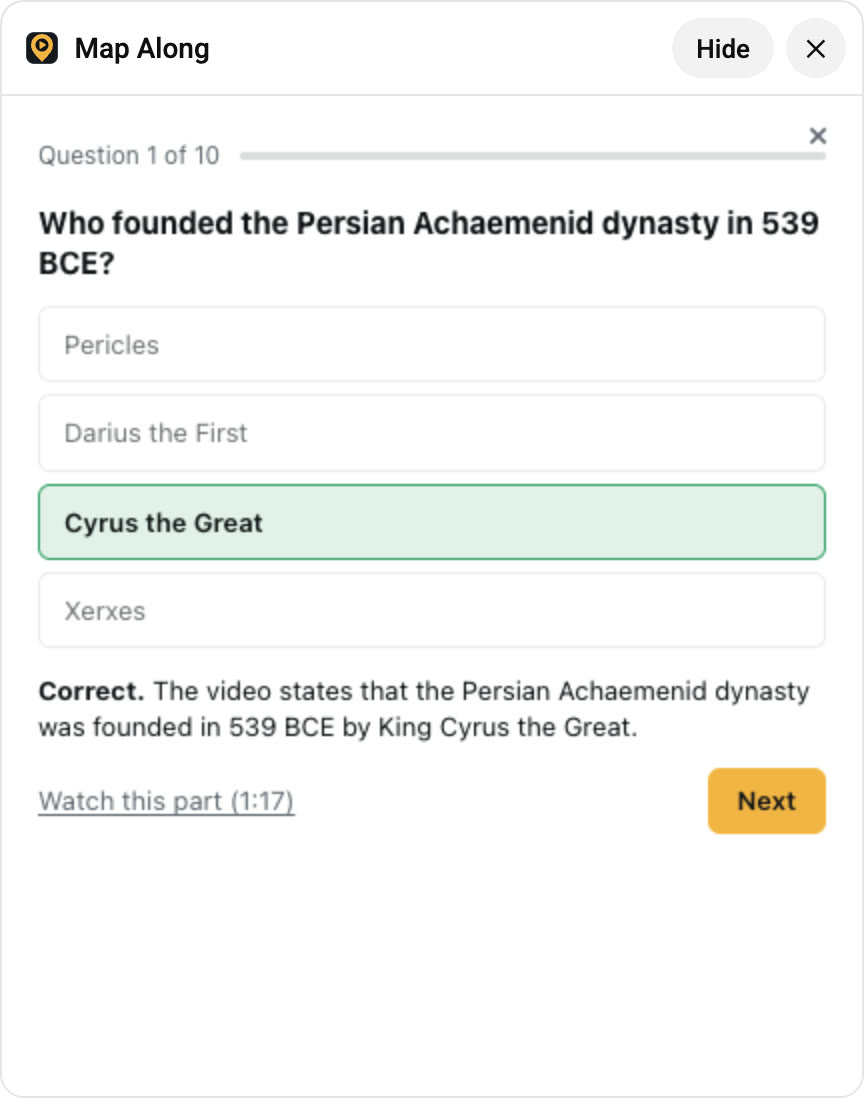 Right answer, with the line from the video that proves it.
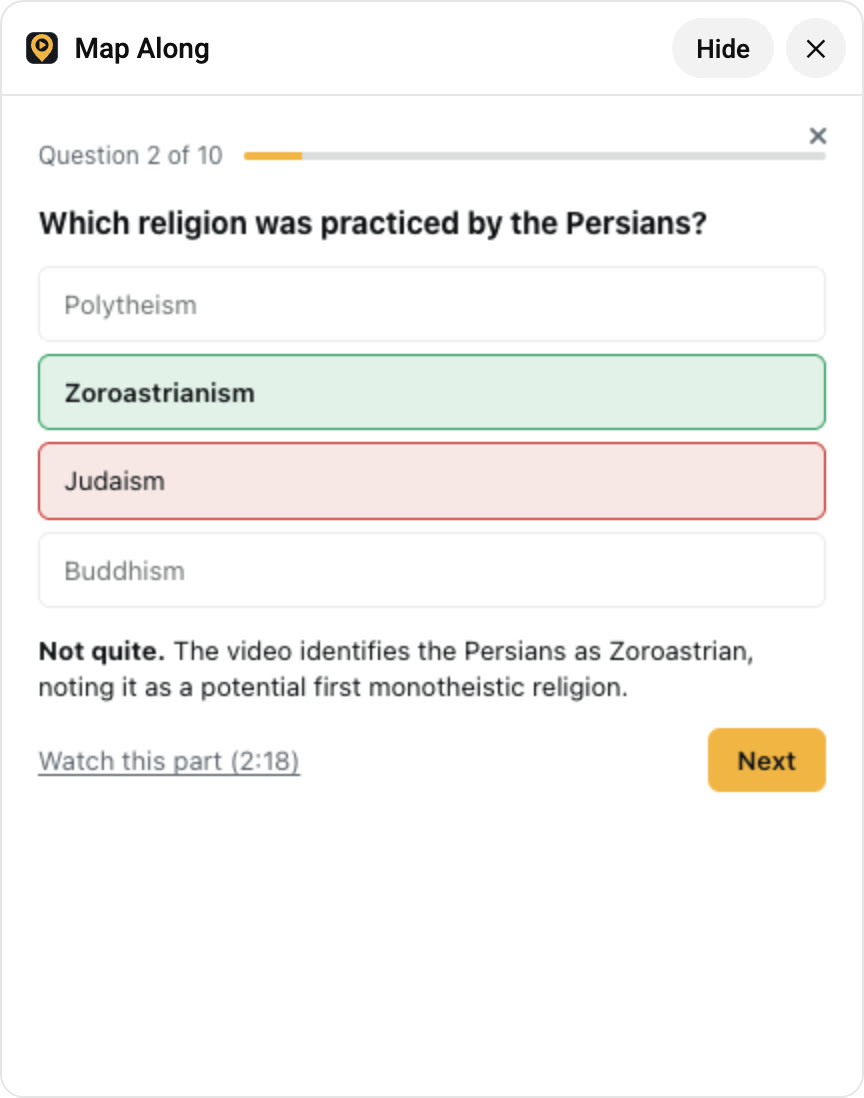 Wrong answer? See the right one and jump to 2:18 to rewatch it.
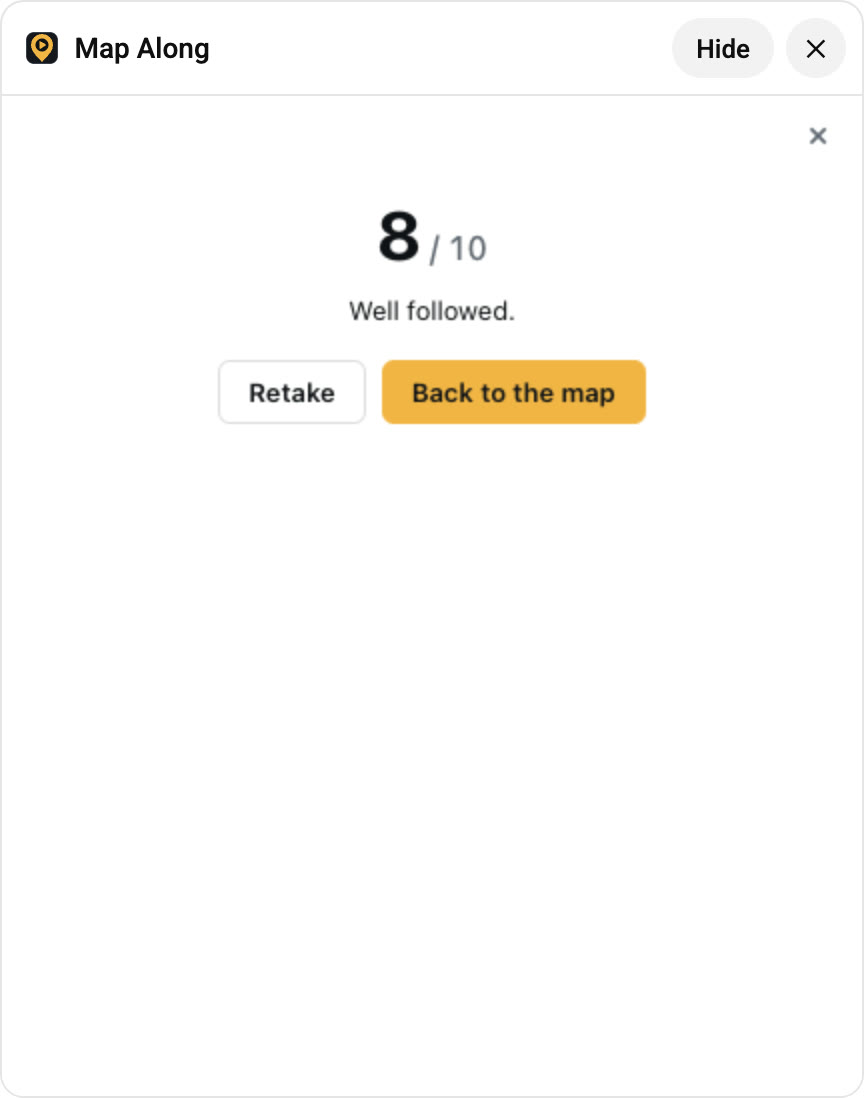 Your score at the end. Retake it any time.
Written from the video, not generic trivia
Every question comes from what the video actually says, spread from the first minute to the last. Nothing about the narrator, the sponsor or what happens next. If the video didn't cover it, it isn't on the quiz.
Up to ten questions, four choices each
One answer is right and the other three are plausible: the same kind of place, the same era, the same region. No joke options and no "all of the above", so you can't guess your way through.
An explanation for every answer
Right or wrong, you see a one-line explanation of why. Missed one? Click Watch this part and the video jumps to the moment it was covered.
Your best score, saved
Retake the quiz as often as you like. Your best score shows next to the video under My videos in the toolbar, so you can see which ones to rewatch.
Who it's for
Students
Teachers assign documentaries and lectures on YouTube all the time. Watch one, take the quiz, and you know if you're ready before the real test. Ten questions take about three minutes.
Teachers
Take the quiz yourself before you assign a video to see what it covers, or run the quiz on the projector after watching it in class. The links back to each moment make it easy to rewatch the part everyone got wrong.
Curious watchers
Most of what we watch is gone by the next day. Answering a few questions right after a video is one of the simplest ways to remember it. Psychologists call it the testing effect.
Great for
- History documentaries
- Geography explainers
- Crash Course episodes
- Lectures and talks
- Nature documentaries
- Current events
- Homework videos
- Exam revision
Videos to try a quiz on
Popular videos with plenty to remember. Open one, click Map this video, watch, then open Test yourself on the map.
 The Persians & Greeks: Crash Course World History #5CrashCourse
The quiz in the clip above. Cyrus, Darius, Athens and Sparta in twelve minutes.
 The Silk Road and Ancient Trade: Crash Course World History #9CrashCourse · 6.2M views
Twelve minutes packed with cities, goods and empires. A perfect first quiz.
 The Modern Middle East, ExplainedJohnny Harris · 7.7M views
Borders, treaties and countries that are easy to mix up. Find out if you didn't.
 The First Punic War - OverSimplified (Part 1)OverSimplified · 37M views
Funny enough to watch twice. Test if the facts stuck under the jokes.
 Lost World of the Maya (Full Episode)National Geographic · 32M views
Cities, kings and discoveries across Central America.
 Geography Now! IndonesiaGeography Now · 7.4M views
Thousands of islands, hundreds of facts. How many can you keep?
How to take a quiz
- Install Map Along from the Chrome Web Store and sign in.
- Open a YouTube video and click Map this video above the recommendations.
- Watch it. When you're done, click the ? button on the map and pick Video quiz.
Questions
Does it work on any video?
Any video you've mapped with Map Along, as long as it says enough to ask about. Very short videos get fewer questions. Videos without captions can be transcribed on paid plans for one extra credit.
Does the quiz cost credits?
No. Once you've mapped a video, its quiz is free to take and retake. Quizzes are part of the Voyager plan and included in the free trial.
Is the quiz the same every time?
Yes, each video has one quiz, so a retake really measures whether you remember more. For a different kind of test, try the blank-map challenge.
Find out what you remember
New accounts get 3 videos free, quizzes included. Quizzes and the blank-map challenge come with Voyager, from $5.99/month for 120 credits. See pricing.